Is Your Accounting Software Holding Your Nonprofit Back? 7 Signs It’s Time to Upgrade

Your accounting software may still open every morning. It may still record revenue, help you pay bills, and produce a basic income statement. But if spreadsheets, duplicate entry, and manual reconciliations are holding your financial processes together, your organization may have outgrown your accounting software.
Basic commercial accounting software can be a practical place to start for small nonprofits. But as your nonprofit adds programs, restricted funding, grants, departments, and users, the processes that once seemed simple can become difficult to manage. Your finance team soon spends more time working around the system, and less time using financial data to guide the organization.
You probably won’t ever receive a notification that says, “You’ve outgrown your nonprofit accounting software.” Instead, the warning signs show up in your daily work.
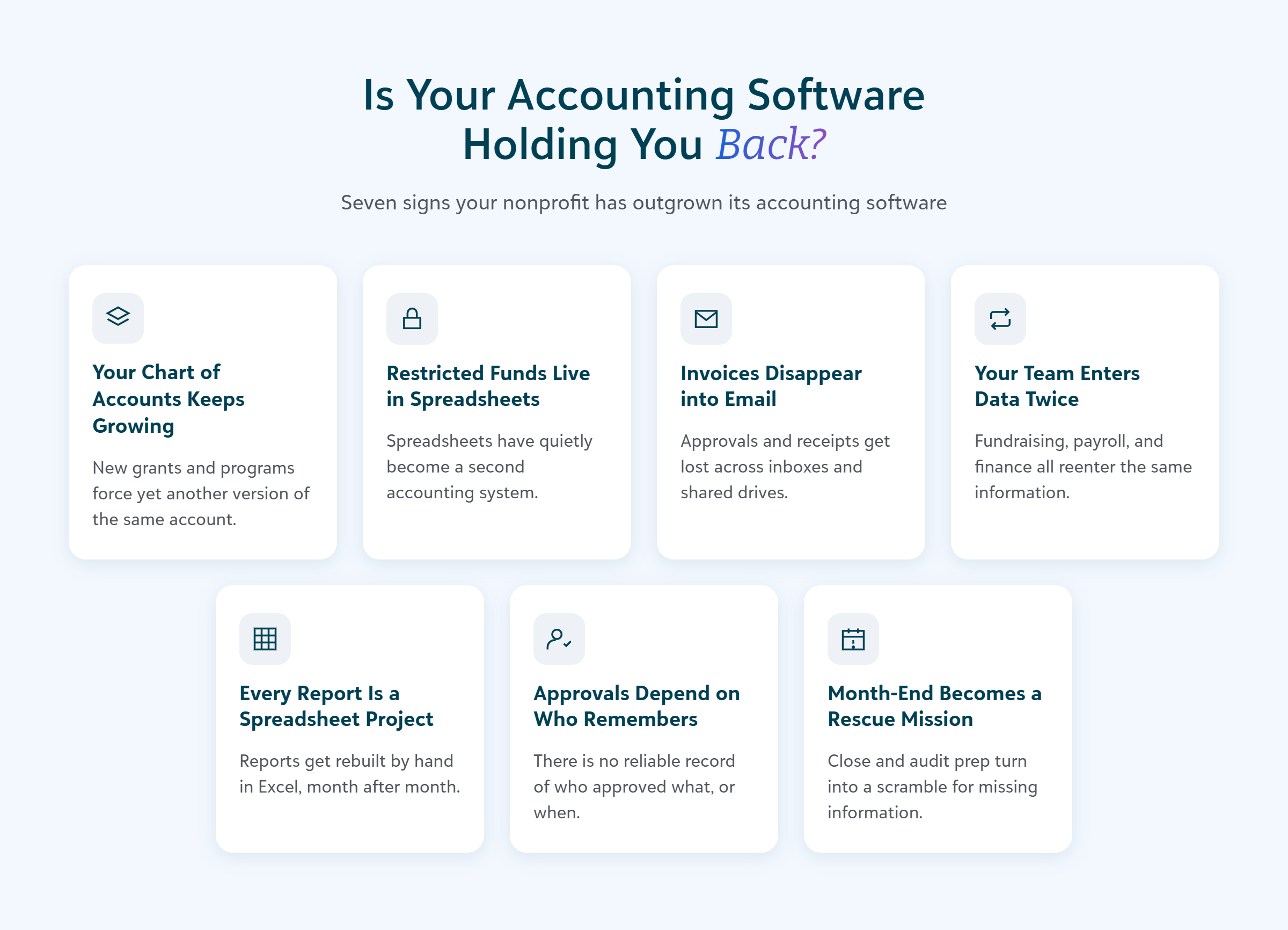
Here are seven signs that your accounting software no longer meets your organization’s needs. If several of the following problems sound familiar, it may be time to consider a nonprofit accounting system built to manage restricted funding, purchasing, reporting, and financial controls in one place.
1. Your Chart of Accounts Keeps Growing
New programs and funding opportunities should help your organization extend its impact. They shouldn’t make your chart of accounts harder to use.
In basic commercial accounting software, organizations often rely on accounts, classes, departments, or similar fields to track different funding sources and activities. That approach may work when you have a small number of programs. But it becomes cumbersome when you need to report by:
- Restricted or unrestricted funding
- Grant
- Program
- Project
- Department
- Location
- Cost center
If every new grant or program requires another group of accounts, the chart can quickly become unwieldy. You may end up with several versions of the same natural account, such as office supplies, each created for a different grant, program, or fund. These extra accounts make data entry more confusing and increase the effort required to maintain the system. It can also make it harder for finance staff and budget owners to make sure a transaction is coded correctly.
A purpose-built nonprofit accounting system separates the different dimensions you need to track. For example, Blackbaud Financial Edge NXT® uses a segmented chart of accounts, which can represent your funds, natural accounts, and departments, while project and grant records provide additional tracking detail.
A sign you’ve outgrown your system: Your team hesitates to add a new grant or tracking category because doing so will make the chart of accounts even more complicated.
2. You Track Restricted Funds Outside Your Accounting System
Restricted funding adds another layer of responsibility to nonprofit accounting. You need to know how much funding is available, how it has been spent, and whether each expense complies with the donor’s or funder’s intent.
When basic accounting software cannot manage that detail, the information often moves into spreadsheets. One spreadsheet may contain the original award amount and restriction. Another may track expenses. Supporting documents may live in a shared drive, while fundraising and finance maintain their own versions of the funding record.
The spreadsheet—or spreadsheets—is not the problem. The problem is that these files have now become a second accounting system. This creates a string of questions your team has to ask every month:
- Does the spreadsheet balance match the accounting system?
- Have all recent expenses been added?
- Did finance and fundraising record the contribution in the same way?
- Where is the documentation explaining the restriction?
- Which version of the report is current?
- Can you show an auditor the complete history behind the balance?
A nonprofit accounting system should allow your team to associate activity, balances, budgets, documentation, and other relevant information with the appropriate project or funding record. Financial Edge NXT project records, for example, can hold budget and activity details across fiscal years, supporting documentation, and links to related fundraising information.
That creates a clearer financial history for each restricted dollar, so you don’t have to reconstruct the story from several files.
A sign you’ve outgrown your system: Your organization cannot determine the available balance for a restricted fund without comparing the accounting system with one or more spreadsheets.
3. Invoices and Purchase Requests Disappear into Email
Purchasing processes often begin to strain as an organization adds employees, departments, locations, and approval levels. A process that worked when one person reviewed every request becomes untenable when invoices and purchase requests arrive through email, chat, paper forms, and shared folders.
Finance then spends time answering questions such as:
- Who approved this purchase?
- Has the invoice already been submitted?
- Which program or grant should pay for it?
- Is there enough money left in the budget?
- Where is the receipt?
- Why is this payment delayed?
A disconnected process also makes it harder for budget owners to understand what they have committed but not yet spent. A report may show that money remains available even though several purchases are waiting for approval or payment.
When evaluating accounting systems for your nonprofit, look beyond the ability to record the final invoice. Consider whether the system can support the full process, including purchase requests, invoice submission, coding, budget checks, approval routing, payments, and an audit trail.
In Financial Edge NXT, organizations can create approval rules for invoice and expense requests. Budget management can also identify a budget conflict before a request moves forward. That helps move purchasing information out of individual inboxes and into a process finance can monitor.
A sign you’ve outgrown your system: Finance regularly has to track down an invoice, receipt, approval, or account code before it can close the books.
4. Your Team Enters the Same Information More Than Once
Duplicate entry often becomes so routine that teams stop seeing it as a workaround.
Fundraising exports a file for finance. Finance uses it to create journal entries. Payroll produces another file that someone reformats before importing. Credit card holders submit spreadsheets that the business office later enters into accounts payable. Each handoff takes time and introduces another opportunity for information to be delayed, omitted, or entered differently.
Repeated data entry can also create friction between teams. Fundraising may see a gift under one designation while finance reports it under another. Program leaders may rely on a local spreadsheet because they cannot easily access current financial information. Finance becomes responsible for reconciling records that originated in several systems.
Your nonprofit accounting system does not have to perform every organizational function. It should, however, connect with the systems that manage important financial activity. For example, Blackbaud Raiser’s Edge NXT® can pass information automatically to Financial Edge NXT. Gift information can flow into an unposted journal entry, allowing the finance team to review the information and decide when to post it to the general ledger.
Other integrations can support payroll, budgeting, billing, and related processes. Financial Edge NXT also provides Excel add-ins that can map journal entry or budget data, identify incorrect or inactive account and project information, and submit the resulting information to the system for review.
No system is going to eliminate Excel from the finance office—nor should it. But you do want accounting software that doesn’t force you to use Excel as the bridge between your systems.
A sign you’ve outgrown your system: Your month-end checklist includes entering or reconciling information that already exists somewhere else in your organization.
5. Every Report Becomes a Custom Spreadsheet Project
A basic accounting report might tell you how much your organization spent. But as a financial leader, you often need to answer more detailed questions, such as, “How does spending compare with the budget for this program?” or “What does the funder need to see in this report?”
When accounting software cannot answer those questions directly, finance exports the data and rebuilds the report in Excel. The team may add formulas, rearrange rows, combine reports, and repeat the same steps the next month. This process takes time and it creates a gap between the live accounting record and the information decision-makers receive.
Look for an accounting system that supports reporting by fund, grant, program, project, and department without requiring a separate chart of accounts for every reporting need. It should also let users move from summary information to transaction detail when their security permissions allow it.
Financial Edge NXT includes dashboards that can be filtered for selected projects, along with drill-down access to underlying records. Reports can use different filters and parameters, follow a schedule, and be sent to designated recipients. That can give department leaders and other stakeholders controlled access to timely information while allowing finance to maintain appropriate security.
A sign you’ve outgrown your system: Producing a routine budget, grant, board, or funder report requires a written set of spreadsheet instructions that only one or two people understand.
6. Your Approval Process Depends on Who Remembers What
As your nonprofit grows, more people participate in its financial processes. Employees submit expenses. Department leaders approve purchases. Finance reviews coding and documentation. Senior leaders may need to authorize transactions above a certain amount. And informal approval processes can become difficult to manage at that scale.
Perhaps one employee remembers that purchases above a certain threshold require an additional signature. Another sends an invoice to the approver who helped last time. When someone is out of the office, the request may sit until they return. Months later, finance has to search their email to confirm who approved the expense.
Strong internal controls create clear responsibilities and a reliable record. Your accounting system should help you:
- Separate transaction entry from approval
- Limit users to the records and tasks appropriate for their roles
- Route requests to the correct approvers
- Apply additional approval levels when necessary
- Retain the history of reviews and decisions
- Give some users view-only access to specific financial information
Financial Edge NXT supports granular security for administrators, view-only users, and nonfinancial expense users. The system also supports approval workflows for areas including expenses and payment runs, with approval routing based on defined dollar amounts.
Controls built into the system make the process easier to follow consistently. They also give auditors a clearer record than an approval trail spread across inboxes and paper files.
A sign you’ve outgrown your system: Your team knows that an approval happened but cannot quickly produce a complete record of who reviewed the transaction and when.
7. Month-End and Audit Preparation Require a Rescue Mission
Month-end close brings every workaround into the same room. Finance has to reconcile bank and credit card activity, locate missing documentation, confirm account coding, compare restricted-fund spreadsheets, post information from other systems, and prepare reports. A single missing receipt or unexplained balance can hold up the entire process.
Audit preparation can create similar pressure. If supporting information lives across the accounting system, spreadsheets, email, paper files, and shared drives, the team must assemble that information before auditors can review it.
A new accounting system will not eliminate the need for careful review, but it can reduce the manual work surrounding that review. For example, Financial Edge NXT can establish a live connection with a financial institution and display bank-feed information next to the bank register. The system can automatically match and clear transactions, while still allowing the finance team to handle matches manually.
Expense management can also allow cardholders to submit information and receipts throughout the month. With Document Intelligence, the system can read an uploaded receipt or invoice and populate relevant fields before the request moves through approval.
These connected processes help finance address activity while it is current instead of waiting until the final days of the close.
A sign you’ve outgrown your system: A normal month-end close regularly turns into a search for missing information across several people, spreadsheets, and systems.
What Should Your Next Nonprofit Accounting System Make Easier?
Recognizing the warning signs is only the first step. Before evaluating a new system, identify the workarounds your team wants to leave behind. Use these questions to guide the conversation:
- Can we track restricted and unrestricted funds without creating duplicate accounts?
- Can we view activity and balances by fund, grant, project, program, and department?
- Can we manage purchase, invoice, expense, and payment approvals within a defined process?
- Can the accounting system connect with our fundraising, payroll, billing, and other important systems?
- Can leaders receive the financial reports they need without finance rebuilding them in spreadsheets?
- Can we control access, separate duties, and maintain a clear audit trail?
- Can the system support our next grant, program, location, or funding source without requiring another workaround?
Free and low-cost accounting software may have helped your organization launch programs, attract donors, and manage its first grants. Replacing it does not mean it failed. It means your financial needs have changed.
The right nonprofit accounting system should support the complexity that comes with growth while making daily work more manageable. Your team should be able to spend less time reconciling disconnected records and more time understanding what the numbers mean for your mission.
If your accounting system feels too small for the organization you have become, check out the webinar Got That Too-Small Feeling on QuickBooks? Think Bigger to explore ways to move beyond financial reporting workarounds.